
Why Diners Hate QR Code Menus (and 5 Fixes That Work)
Most diners have used a QR menu, and many want paper back. The real complaints are slow PDFs, apps and no choice. Five fixes that win guests over.
In this article
General information, not legal advice. Rules differ by country and change over time: always check with your local food authority.
Many diners really do dislike QR code menus, and they have a point. In Ipsos's 2025 US consumer tracker, 65% of adults said they had used a QR menu, yet 58% said they'd like to go back to paper menus and only 39% hoped QR menus would continue (Ipsos, July 2025). That's a QR menu company telling you this, by the way.
But read the complaints closely and a pattern shows up: guests aren't angry at a black-and-white square. They're angry at slow PDFs, forced apps and having no choice. Those are fixable, and fixing them is how a QR menu becomes something guests actually like.
The short version
- The problem is usually the menu behind the code, not the code.
- Kill the PDF. A real mobile menu loads fast and needs no zooming.
- No app, no sign-up, ever, just to see prices.
- Always offer paper to anyone who asks.
- Use the QR code to add something: photos, translations, allergens, ordering.
Why do diners hate QR code menus?
Here are the complaints you'll hear, and what's really behind each one:
| What guests say | What's really wrong |
|---|---|
| "I have to zoom and scroll forever" | A PDF of the printed menu, not a mobile menu |
| "It wants me to download an app" | The wrong tool for the job |
| "It won't load" | Heavy files, no Wi-Fi, bad signal inside |
| "My phone is dead" or "I don't have my glasses" | No paper alternative |
| "Nobody comes to the table anymore" | QR used to remove service instead of supporting it |
| "I don't want to stare at my phone at dinner" | The QR code is the only option |
Notice how few of these are about the QR code itself. Most are about lazy setups from 2020 that never got updated.
Are restaurants going back to paper menus?
Some are. Trade press has covered restaurants bringing paper menus back after guest complaints, and in Brazil some states now require restaurants to keep a physical menu available. But the bigger trend is choice, not retreat: a QR code on the table for guests who like it, and a printed menu for those who ask.
That's a sensible place to land. QR menus are still cheaper to update, easy to translate and the natural way to order from the table.
Five fixes that make guests like your QR menu
1. Replace the PDF with a real mobile menu
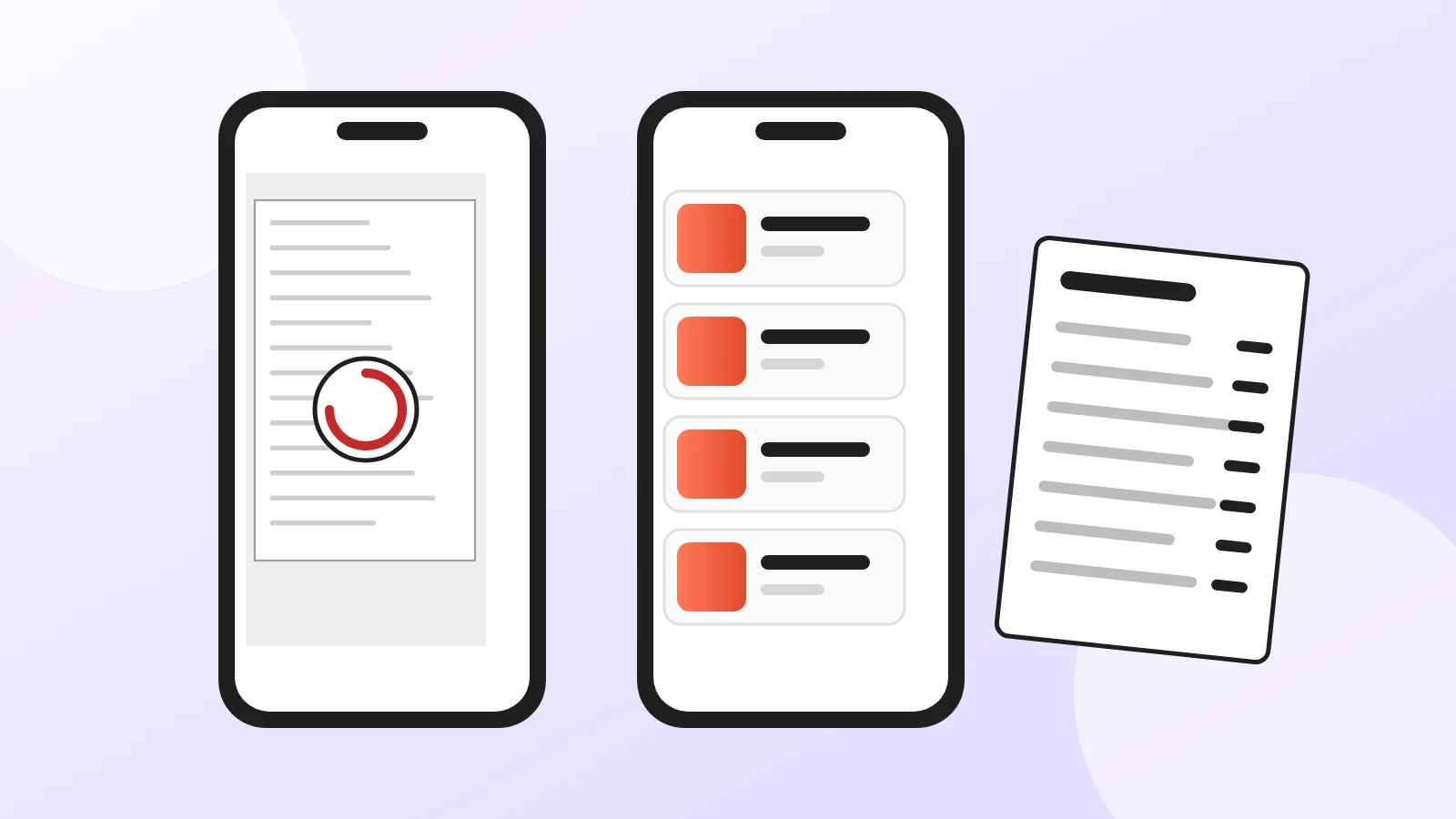
A PDF is a photo of paper squeezed onto a phone. A digital menu built for phones shows readable text, sections you can jump between, photos and prices that fit the screen. This one change removes most complaints.
2. Make it open in two seconds, with no app
Guests should scan and see the menu in the browser straight away. No download, no account, no pop-up asking for an email before they can see a price.
3. Always offer paper
Keep a few printed menus for guests who ask, or for when phones die. Your staff should offer one without making anyone feel old-fashioned. If you're worried about keeping two menus in sync, print from the same source (see below).
4. Use the QR code to give more, not less
The QR code should earn its place. Give guests something paper can't:
- Photos of the dishes (our guide to menu photos that sell).
- Allergens under every dish, always current (see our allergen menu template).
- Translations for tourists.
- Ordering from the table, when guests want it. See how QR code table ordering works.
5. Keep the people
A QR menu should free staff from running back and forth with menus, not replace hospitality. Greet the table, explain the menu, recommend a dish. Guests forgive a QR code; they don't forgive feeling ignored.
Is a QR-only menu legal where you are?
It depends on the country and sometimes the city. A few examples of rules that touch QR menus:
- Brazil: some states, such as Ceará (Lei 18.543/2023) and Pará (Lei 10.263/2023), require a physical menu to be available.
- EU: allergen information must be available for every dish (Regulation 1169/2011), so check whether your authority expects it in writing too.
This is general information, not legal advice; check with your local authority. The simple rule that keeps you safe almost everywhere: QR code plus a printed menu on request.
How do you keep the QR menu and the paper menu in sync?
Edit once, use everywhere. With Acuolina you keep one menu: guests open it from the QR code in the browser, with no app, and you can download a printable PDF of the same menu for the tables or the counter. Change a price and the next print matches. The menu and QR code are free; see what the paid plan adds.
If you're still deciding on a tool, compare the free QR code menu options, browse more QR menu articles, or create your menu and test it on your own phone, with the Wi-Fi off, the way your guests will.
Frequently asked questions
Why do people dislike QR code menus?
The most common complaints are about the experience, not the code itself: PDFs that are slow and need zooming, menus that ask for an app or an account, bad signal, a dead phone battery, and no paper menu for those who want one. Some guests also feel the restaurant is cutting service.
Are restaurants going back to paper menus?
Some are, and many use both. In Ipsos's 2025 consumer tracker, 58% of US adults said they'd like to go back to paper menus, even though 65% have used a QR menu. The trend is toward choice: a QR code for those who like it and a printed menu on request.
Are QR code menus here to stay?
For many restaurants, yes, because they're cheap to update and work for ordering and translations. What's fading is the QR-only, PDF-only menu that many places put up in a hurry in 2020.
Is it legal to have only a QR code menu?
It depends on where you are. Some places require a physical menu or written information, for example several Brazilian states for menus and the EU rules on allergen information. Check your local rules; offering a printed copy is the safe choice almost everywhere.
What makes a good QR code menu?
It opens in the browser in a couple of seconds, with no app or sign-up, shows text you can read without zooming, has clear sections and photos, shows prices and allergens, and comes with a printed alternative for guests who prefer paper.
Can I have a QR code menu and a paper menu without doing the work twice?
Yes. With Acuolina you edit one menu; guests open it from the QR code, and you can download a printable PDF of the same menu for the tables or the counter, so the two always match.
Keep reading
QR menus
QR Code Menu: How to Make One in 6 Steps (2026)
How to make a QR code menu in 6 steps: what to put on it, where to place the code, the mistakes that send guests back to paper, and how to take orders.
QR menus
Digital Menu for Restaurants: The 2026 Guide
What a digital menu is, what it costs, how it differs from menu screens, and how to set one up with QR codes and commission-free ordering.
QR menus
QR Code Table Ordering: How It Works and Costs
How QR code ordering at the table works, from scan to kitchen, what it costs compared with waiters and kiosks, and how to roll it out without losing guests.
Your first direct order, tonight.
Create your menu in minutes and get every Chef feature free for 14 days. Then stay on Basic for free, or upgrade.