Restaurant Menu Photos: When They Sell and When They Hurt
Photos on a menu can lift sales, but a bad photo or a photo on every item can cheapen a place. Which items to photograph, how, and when to skip photos.
In this article
- The short version
- Do menu photos really increase sales?
- Why can photos hurt a menu?
- Which items should you photograph first?
- How do you take menu photos that sell, with a phone?
- Should your digital menu look different from your printed one?
- When is a menu without photos the right choice?
- A simple plan for this month
Photos on a menu sell, but only good photos on the right items. Online, a clear photo is often the only thing that makes a guest pick your burger over the one next to it. In a dining room, a page full of pictures can make a place look cheaper than it is. So the question isn't "photos or no photos?", it's "which photos, where?"
This guide is for owners who are tired of the two extremes: the text-only menu that sells nothing it doesn't already sell, and the menu where every dish has a dark, blurry picture.
The short version
- Online and on delivery apps: photograph most items. Guests compare dishes side by side and can't see the food.
- On a printed menu: photograph your 3 to 5 best dishes, not everything.
- One bad photo costs more than no photo. Dark, blurry or unappetizing pictures hurt.
- Show the dish as it's served. Same plate, same portion, same garnish.
- Start with your stars and your puzzles: the dishes that sell best, and the good ones that don't sell yet.
Do menu photos really increase sales?
The honest answer: the strongest numbers come from the platforms themselves, and the academic evidence is more careful.
- DoorDash reports, from its own study of more than 15,000 small restaurants, that menus with photos get up to 44% more monthly sales. That's an "up to" figure from a platform that wants richer menus, so read it as a best case, not a promise.
- Academic work is more nuanced. A study from Durham University found that pictures next to familiar dish names improved how guests rated a dish and what they were willing to pay; for unfamiliar names the effect was weaker and depended on the guest.
So photos help most where guests can't see the food and where they need help imagining a dish. That's exactly what happens on a phone.
Why can photos hurt a menu?
Here's the part photographers rarely tell you. Photos backfire when:
| Problem | What the guest thinks |
|---|---|
| Dark or blurry photos | "The food probably looks like that too" |
| A photo on every item of a printed menu | "Tourist trap" or "fast food", even when it isn't |
| Stock photos that don't match the plate | "This isn't what I ordered" and a bad review |
| Photos on some items and not others, at random | The items without photos look like an afterthought |
| Old photos after a recipe or plate change | Disappointment when the dish arrives |
That's why many upscale restaurants keep photos off the printed menu. It's not snobbery: words leave room for the dish to surprise, and a busy page fights the experience they sell.
Which items should you photograph first?
If you can only shoot ten dishes this week, choose them like this:
- Your stars: the items that already sell well and make money. A photo protects their spot.
- Your puzzles: good, profitable dishes that don't sell. A great photo is often what they're missing. Our guide to menu engineering and menu size explains how to find them.
- Dishes with unfamiliar names: a photo explains what a description can't.
- Shareable and high-value items: platters, desserts, signature drinks.
Skip, for now, the items you're thinking of cutting.
How do you take menu photos that sell, with a phone?
You don't need a studio. You need consistency:
- Daylight. Shoot next to a window, never under kitchen lights or with the flash.
- One angle per type. From above for pizzas, bowls and salads; from the side or slightly low for burgers, sandwiches and drinks.
- A plain background: your table, a wooden board, a neutral wall.
- The real portion on the real plate. If the photo promises more than you serve, you'll pay for it in reviews.
- Clean edges. Wipe drips, remove clutter, hide cutlery you don't need.
- Same framing for every photo, so the menu looks like one set.
Should your digital menu look different from your printed one?
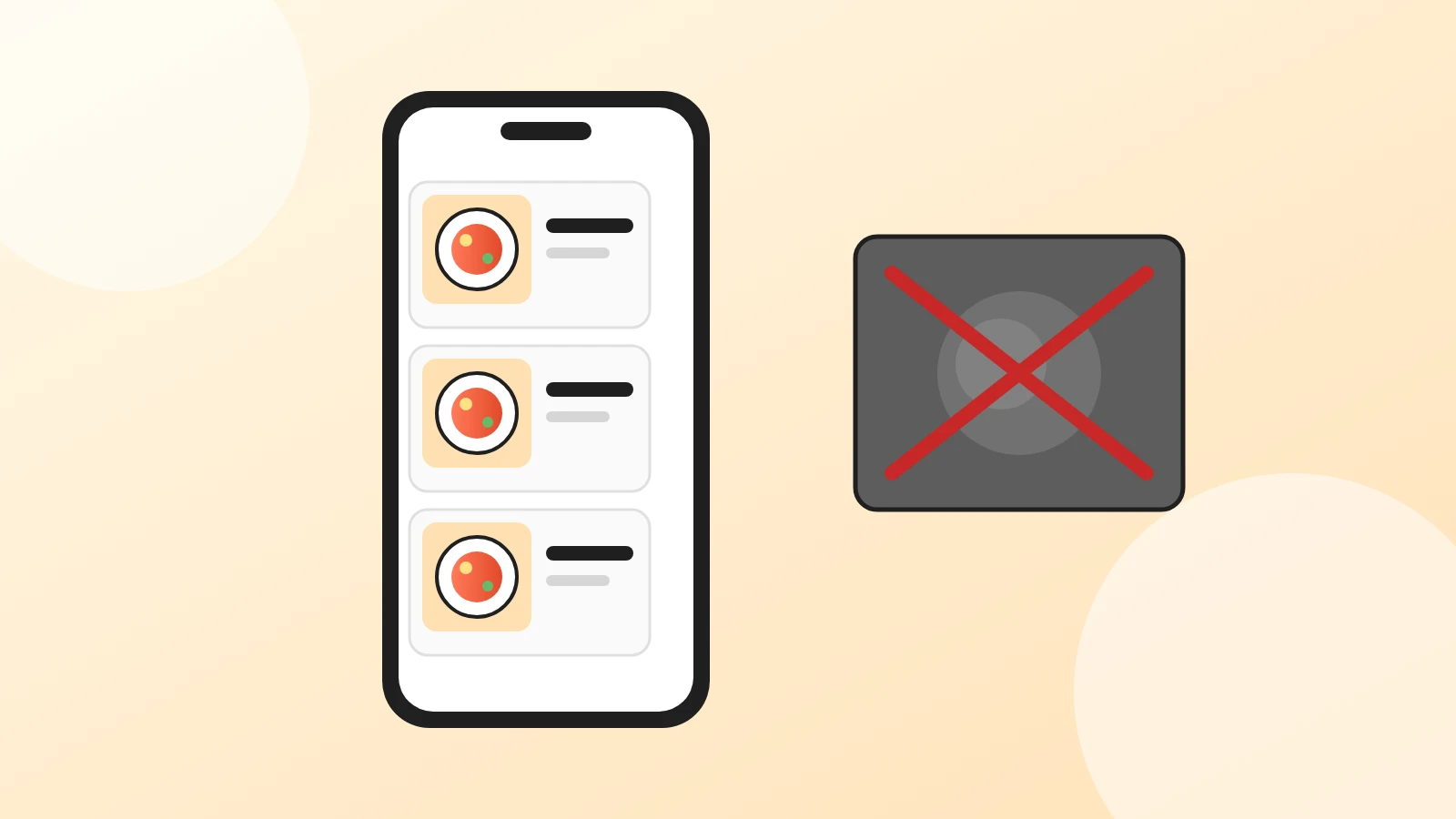
Yes, and that's the nice part of having both. A digital menu can show a small photo in the list and a big one when a guest taps the dish, so the page stays clean and the photo is there for those who want it. The printed menu can stay text-only or show a few signature dishes.
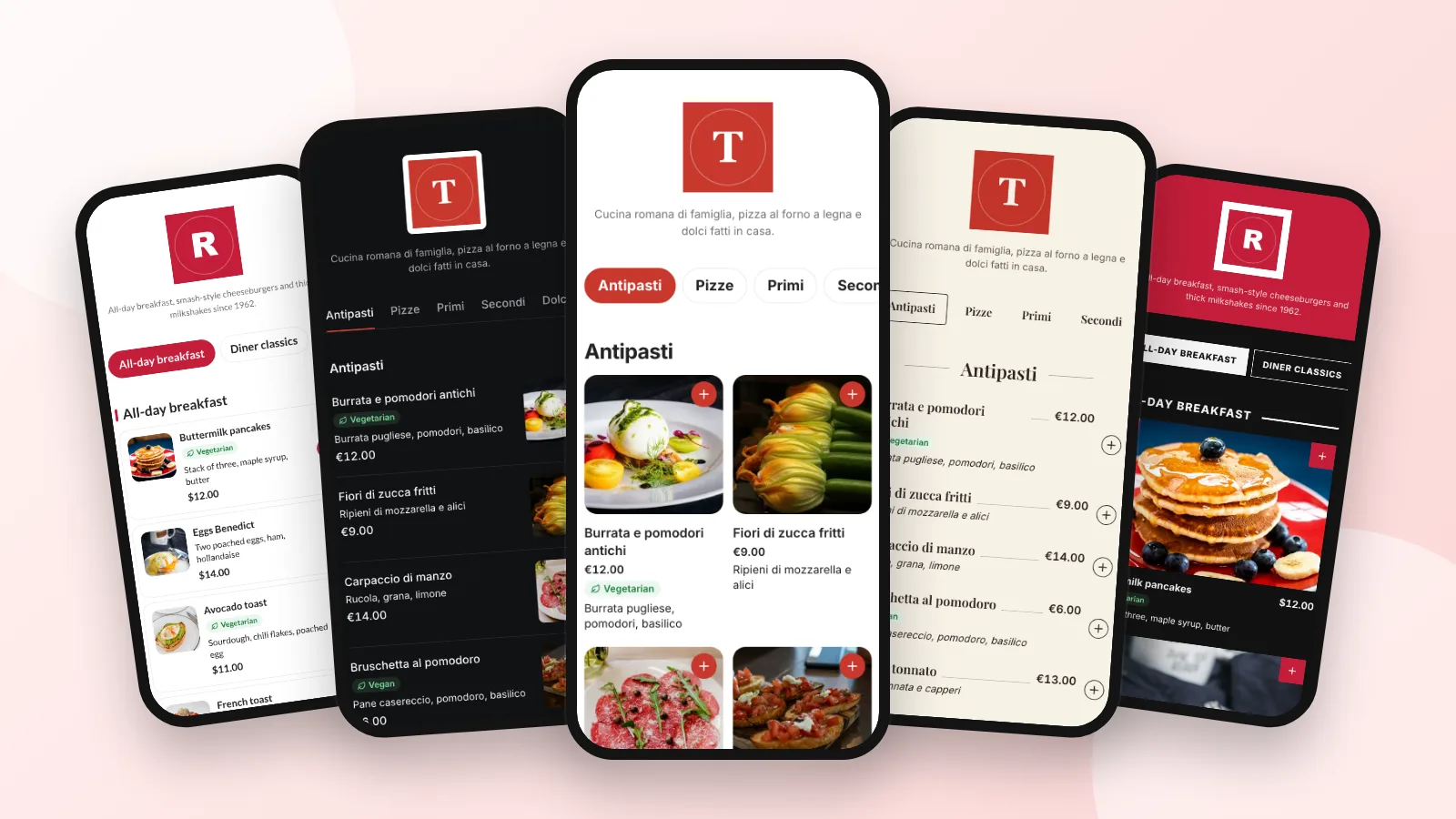
With Acuolina, every item can have one or more photos, shown on the menu and in the item's details. On the Chef plan you can also choose a photo-led theme for dishes that sell on looks, or turn photos off for the whole menu if your style is more classic. See the menu design themes to compare them, and what's in each plan.
When is a menu without photos the right choice?
- Fine dining and tasting menus, where the description and the service carry the experience.
- Menus that change daily, where you'd never keep photos current.
- Bars and cafés with simple items, where "espresso" needs no picture. Our bar and coffee shop menu guide covers layout without photos.
- When you can't take good photos yet. No photo beats a bad photo.
A simple plan for this month
- List your 10 best and 5 most "puzzling" dishes.
- Photograph them in daylight, one angle per type, in one session.
- Put the photos on your digital menu and, if you like, on your Google Business Profile and Instagram.
- After a month, compare how often those dishes are opened and ordered.
Start from our restaurant menu template if you're rebuilding the whole menu, read more menu design articles, or create your menu and add your first photos today.
Frequently asked questions
Do photos on a menu increase sales?
Often, yes, especially online, where guests can't see or smell the food. Delivery platforms report big lifts from menu photos in their own data, and academic work finds pictures can raise willingness to pay for familiar dishes. The effect depends on the photo being good and the dish matching it.
Should every item on the menu have a photo?
Not necessarily. On a delivery app or an online ordering menu, broad coverage helps because guests compare items side by side. In a dining room, a photo on each item can make a menu look busy or cheap; a few photos of your best dishes usually do more.
Why do some upscale restaurants avoid menu photos?
Because a printed menu full of pictures is associated with tourist spots and fast food, and because a description leaves room for the dish to surprise. Many fine dining places rely on words and service instead. A digital menu can still show a photo when a guest taps a dish.
Can I take menu photos with my phone?
Yes. A recent phone, daylight from a window, a clean plate and a plain background are enough for good menu photos. Shoot from above for pizzas and bowls and from a low angle for burgers and drinks, and take each dish as it is really served.
Can I use stock photos of dishes?
It's risky. A stock photo that doesn't match what arrives disappoints guests and invites bad reviews, and you need the right license to use it. Your own honest photo is better than a perfect one of someone else's food.
How do I add photos to an Acuolina menu?
Open an item in the menu editor and add one or more photos; guests see them on the menu and in the item's details. On the Chef plan you can also pick a photo-led menu theme, or turn photos off for the whole menu.
Keep reading
Menu design
Digital Menu Design: 6 Themes in Light and Dark (2026)
Six digital menu designs shown on a real phone, each in light and dark: which one fits your restaurant, when to use photos and how to switch in a minute.
Operations
How Many Items Should Be on a Restaurant Menu? (2026)
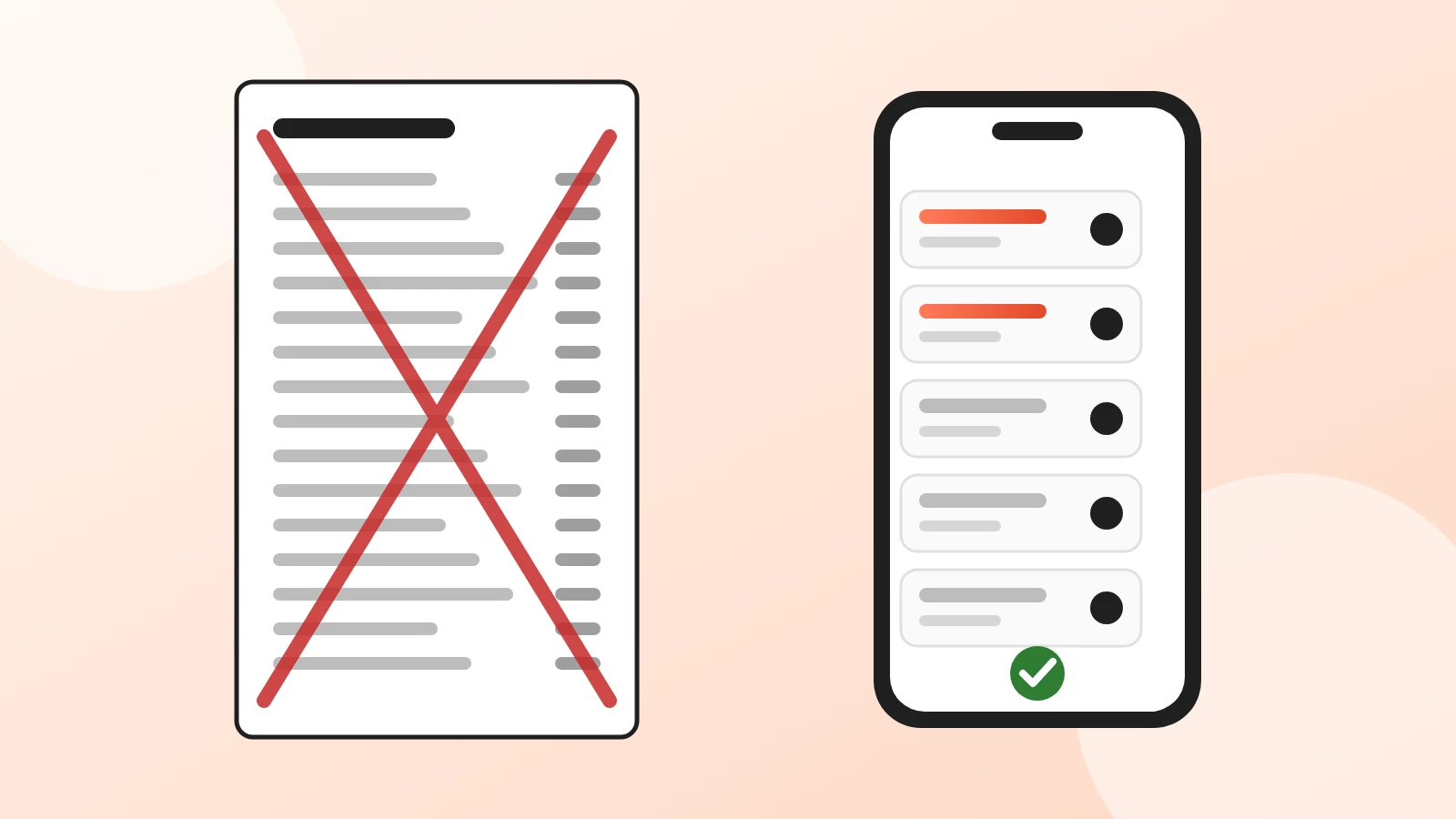
A long menu feels generous but costs you in waste, prep time and slower orders. How many items to keep per section, and how to cut the rest with data.
Menu design
Restaurant Menu Template: Free and Ready to Copy (2026)
A free restaurant menu template to copy into Word or Google Docs, with a filled-in example, description formulas, print layouts and a spot for your QR code.
Your first direct order, tonight.
Create your menu in minutes and get every Chef feature free for 14 days. Then stay on Basic for free, or upgrade.