How Many Items Should Be on a Restaurant Menu? (2026)
A long menu feels generous but costs you in waste, prep time and slower orders. How many items to keep per section, and how to cut the rest with data.
In this article
- The short version: a rule of thumb
- Why can a long menu cost you money?
- Do fewer choices really sell more?
- How do you decide what to cut? (menu engineering in 4 steps)
- How do you cut items without upsetting regulars?
- What does a good short menu look like?
- Is a long menu ever the right choice?
- Where to start this week
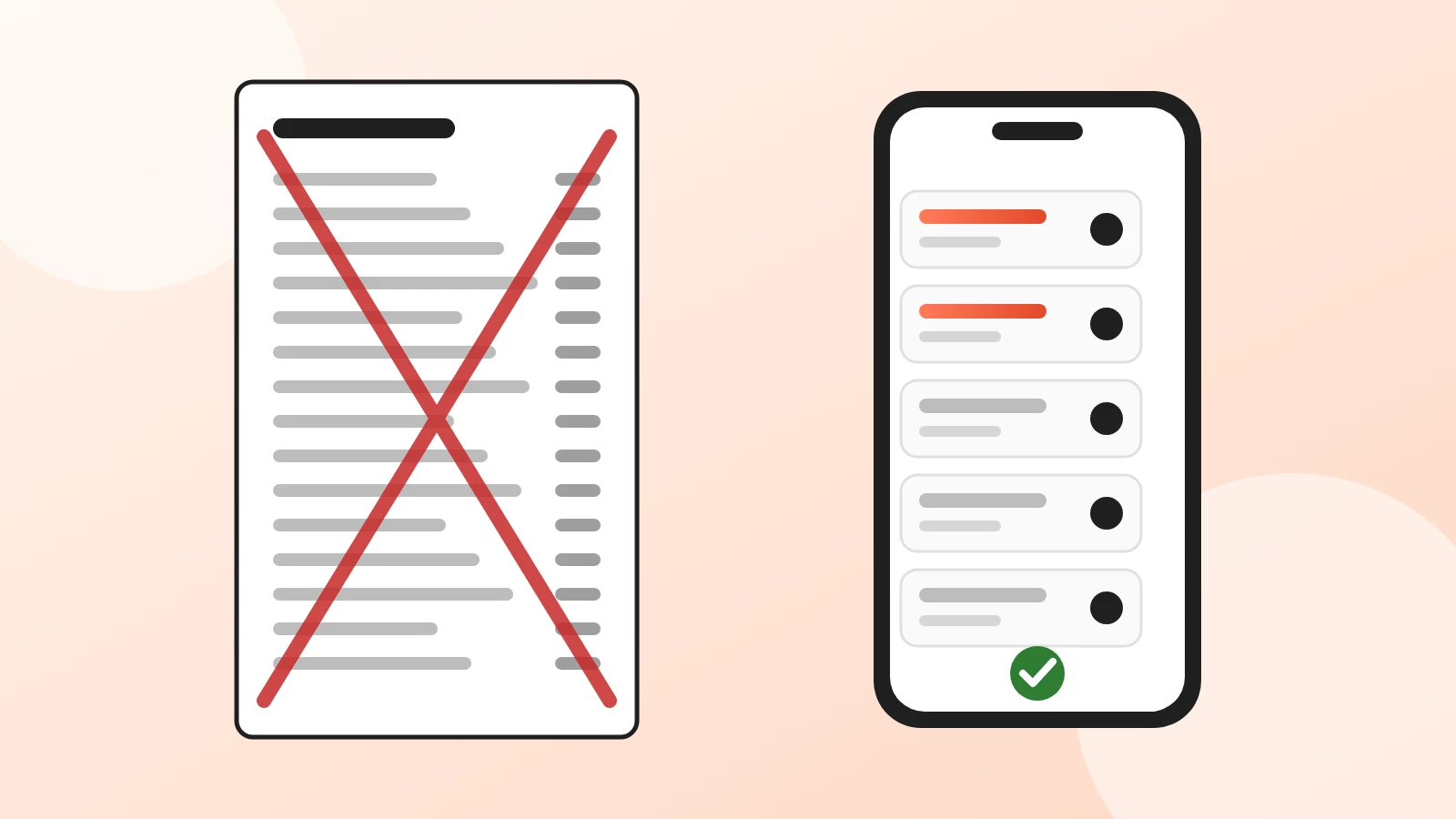
Most restaurants should have about 5 to 7 items per menu section, or roughly 20 to 35 dishes in total plus drinks. That's not a law, it's a rule of thumb that menu consultants repeat for a reason: past that point, every extra item tends to add more waste, prep and hesitation than sales.
Here's the uncomfortable part. A 60-item menu feels generous, but it often hides the fact that a handful of dishes pay the bills while the rest sit in the fridge. This guide shows how to find out which is which, and how to cut without upsetting your regulars.
The short version: a rule of thumb
- Count per section, not in total. Aim for 5 to 7 starters, 5 to 7 mains, 3 to 5 desserts.
- One ingredient, several dishes. An item that needs an ingredient nothing else uses has to sell a lot to stay.
- Measure before you cut. Sort items by sales and by margin over the last 3 months.
- Hide before you delete. Take an item off for a month and see if anyone asks.
- Keep what regulars order, even if it's not a star on paper.
Why can a long menu cost you money?
A long menu isn't wrong in itself. It gets expensive because of what sits behind it:
| What a long menu adds | What it costs you |
|---|---|
| More ingredients in stock | Cash tied up in the fridge, and more of it thrown away |
| More prep stations and mise en place | Longer shifts, more training for new staff |
| More decisions for the guest | Slower orders at busy times, more questions to the waiter |
| More dishes to keep consistent | A higher chance that one of them disappoints |
| More allergens to track | More work to keep the allergen information right |
The numbers are different in every kitchen, so check your own: how much did you throw away last month, and which items did that food belong to?
Do fewer choices really sell more?
Sometimes, and it's worth being honest about the research. The famous "jam study" by Iyengar and Lepper (2000) found that shoppers were far more likely to buy when a tasting table showed 6 jams instead of 24. That result made "choice overload" famous.
But a later meta-analysis of 50 experiments by Scheibehenne and colleagues (2010) found that the effect varies a lot: sometimes more choice hurts, sometimes it doesn't matter, sometimes guests like it. So "fewer items always sell more" is too simple.
What holds up in practice is narrower:
- Guests decide faster when each section is short and clearly named.
- Kitchens run smoother with fewer ingredients and stations.
- Each remaining dish gets more attention, in the kitchen and on the menu.
The industry's "seven per section" is a rule of thumb, cited for example by menu engineer Gregg Rapp in The Daily Meal. Use it as a starting point, then let your own sales decide.
How do you decide what to cut? (menu engineering in 4 steps)
Menu engineering, from the hospitality research of Kasavana and Smith (1982), sorts every item on two questions: does it sell, and does it make money?
- Export your sales for the last 3 months, per item.
- Work out the margin of each item: price minus the cost of its ingredients.
- Put each item in one of four boxes:
| High margin | Low margin | |
|---|---|---|
| Sells a lot | Star: keep it, give it the best spot | Plowhorse: keep it, review price or portion |
| Sells little | Puzzle: rewrite, rename, add a photo, move it | Dog: hide it, then cut it |
- Act on one box at a time. Start with the "dogs", because cutting them saves stock and prep right away.
A digital menu helps with step 3. In Acuolina, the Reports page ranks your items by how often guests open them on the menu. An item that many guests open but few order is usually a "puzzle": the dish is interesting, but the price, the photo or the description isn't convincing.
How do you cut items without upsetting regulars?
- Hide, don't delete. On a digital menu you can hide an item in one click and bring it back if people ask for it.
- Ask your staff. Waiters know which dishes regulars come back for.
- Merge similar dishes. Three pasta dishes with the same sauce base can become one dish with a choice of shape.
- Turn rare dishes into specials. A weekly special lets you keep variety without a permanent ingredient.
- Say it on the menu. A short line such as "New, shorter menu: everything made fresh" turns a cut into a quality message.
What does a good short menu look like?
Short doesn't mean boring. A good short menu has:
- Clear sections with 5 to 7 items each, named the way guests search ("Pizza", "Salads", not "From the oven of happiness").
- One or two stars per section, placed first or highlighted with a photo. See our guide to menu photos that sell.
- Short, concrete descriptions: main ingredients, how it's cooked, the portion if it matters.
- Prices without currency clutter and no long dotted lines.
If you're redesigning from scratch, start from our restaurant menu template and pick a layout from the digital menu design themes. Pizzerias and burger places can also look at our pizza and burger menu guide, and bars at the bar and coffee shop menu guide.
Is a long menu ever the right choice?
Yes, in a few cases:
- Your kitchen shares a base. A pizzeria with 30 pizzas uses the same dough, sauce and oven.
- Variety is your concept. Diners, buffets and some Asian restaurants are expected to have long menus.
- Drinks. A long wine or cocktail list costs less to keep than a long food list.
Even then, the same test applies: if an item doesn't sell and doesn't make money, it's costing you something.
Where to start this week
- Pull 3 months of sales per item.
- Mark the 5 items that sell least.
- Hide them on your menu for 30 days.
- Watch what happens to waste, prep time and complaints.
A digital menu makes this easy: you can hide and bring back items in seconds, without reprinting. With Acuolina the menu and its QR code are free, and you can see what the paid plan adds. For more ideas, read how to increase restaurant sales or browse our operations articles, or create your menu and try it on your own items.
Frequently asked questions
How many items should be on a restaurant menu?
There's no law, but a common rule of thumb among menu consultants is about 5 to 7 choices per section (starters, mains, desserts). Most independent restaurants do well with 20 to 35 items in total, plus drinks. A pizzeria or a café can go higher if every item reuses the same ingredients.
Is a smaller menu always better?
No. Research on choice overload is mixed, and some guests come precisely for variety. A small menu wins when each item is good and sells; it loses when you cut items your regulars order. Decide with your sales data, not with a fixed number.
What is menu engineering?
It's a method from the hospitality research of Kasavana and Smith (1982) that sorts every item by how popular it is and how much profit it makes. Popular and profitable items stay and get the best spot; items that are neither are candidates to cut or rework.
Which items should I remove first?
Items that sell rarely and need an ingredient nothing else uses. They tie up cash in stock, go to waste and slow the line. Try hiding them for a month before deleting them for good.
Will guests complain if I cut items?
A few might, so keep the dishes regulars ask for and tell them when something changes. Most guests notice faster service and fresher food more than a missing item they never ordered.
How do I see which items guests look at on a digital menu?
In Acuolina, the Reports page ranks your items by how often guests open them on your menu, on every plan. Put that next to your sales to see which items get attention but don't sell, usually a price or description problem.
Keep reading
Menu design
Restaurant Menu Template: Free and Ready to Copy (2026)
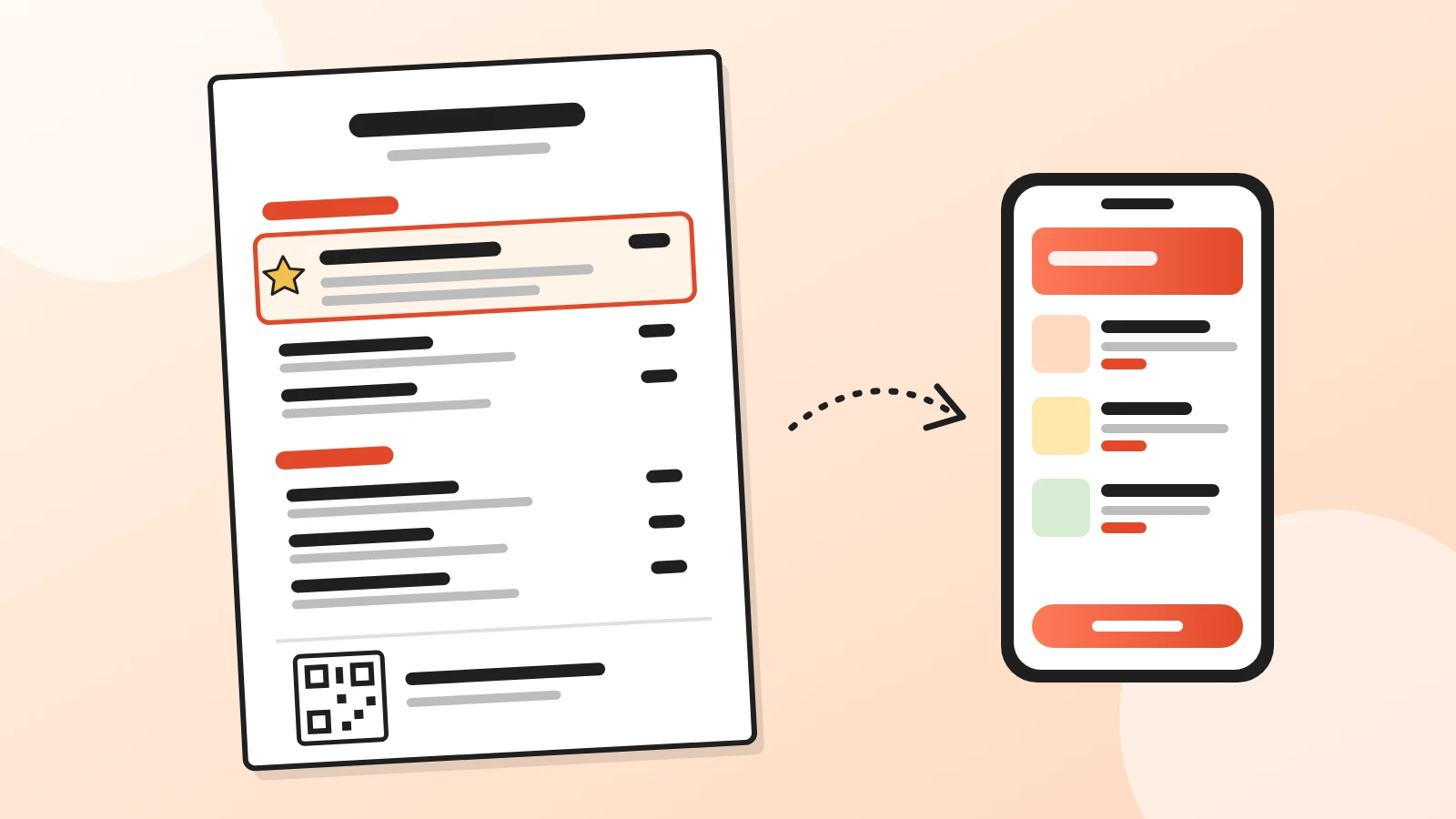
A free restaurant menu template to copy into Word or Google Docs, with a filled-in example, description formulas, print layouts and a spot for your QR code.
Menu design
Digital Menu Design: 6 Themes in Light and Dark (2026)
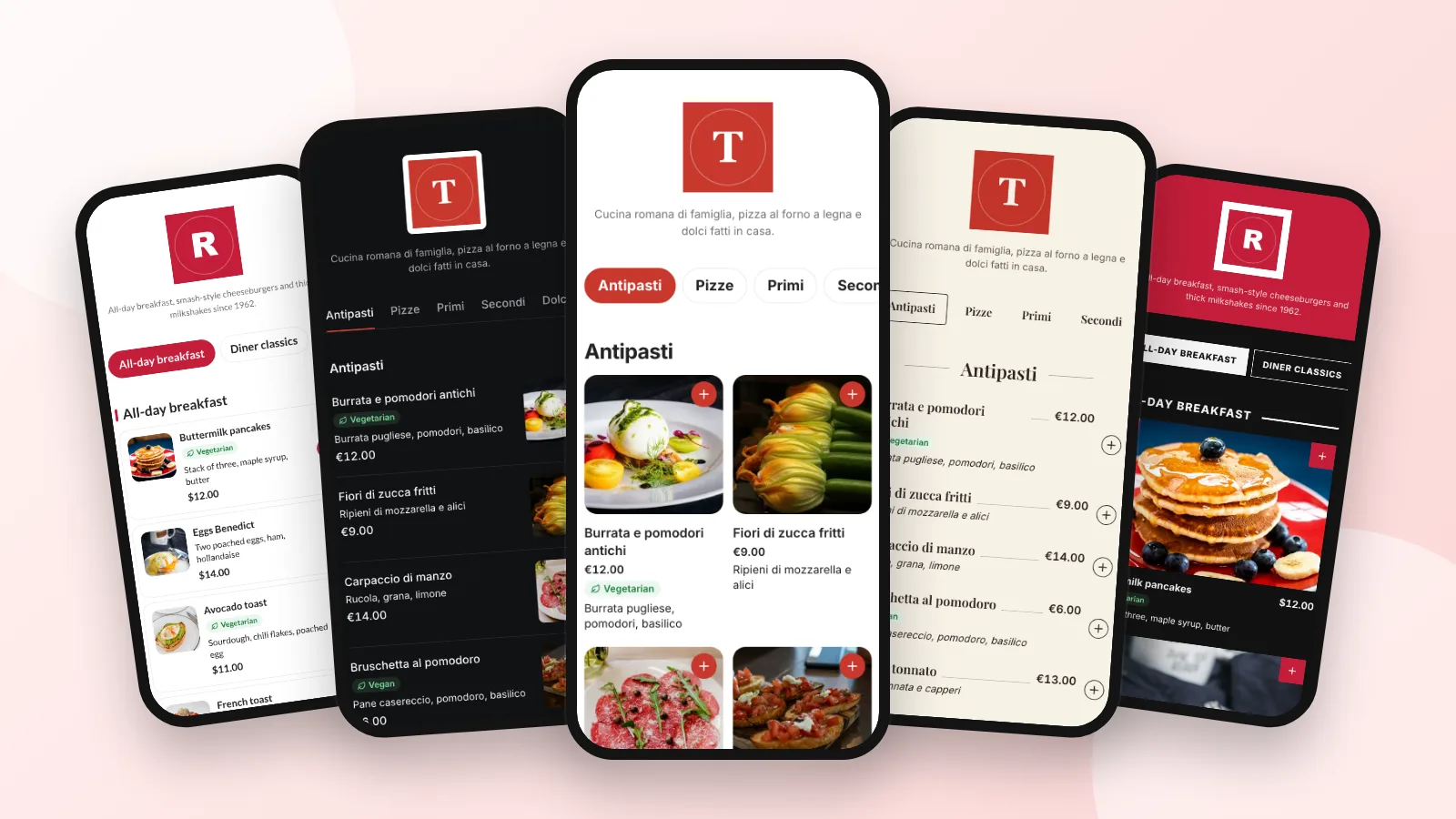
Six digital menu designs shown on a real phone, each in light and dark: which one fits your restaurant, when to use photos and how to switch in a minute.
Restaurant marketing
How to Increase Restaurant Sales: 10 Practical Tips
Ten free, practical ways a small restaurant can sell more: a bigger average order, guests who come back, fuller slow days and direct orders with no commission.
Your first direct order, tonight.
Create your menu in minutes and get every Chef feature free for 14 days. Then stay on Basic for free, or upgrade.